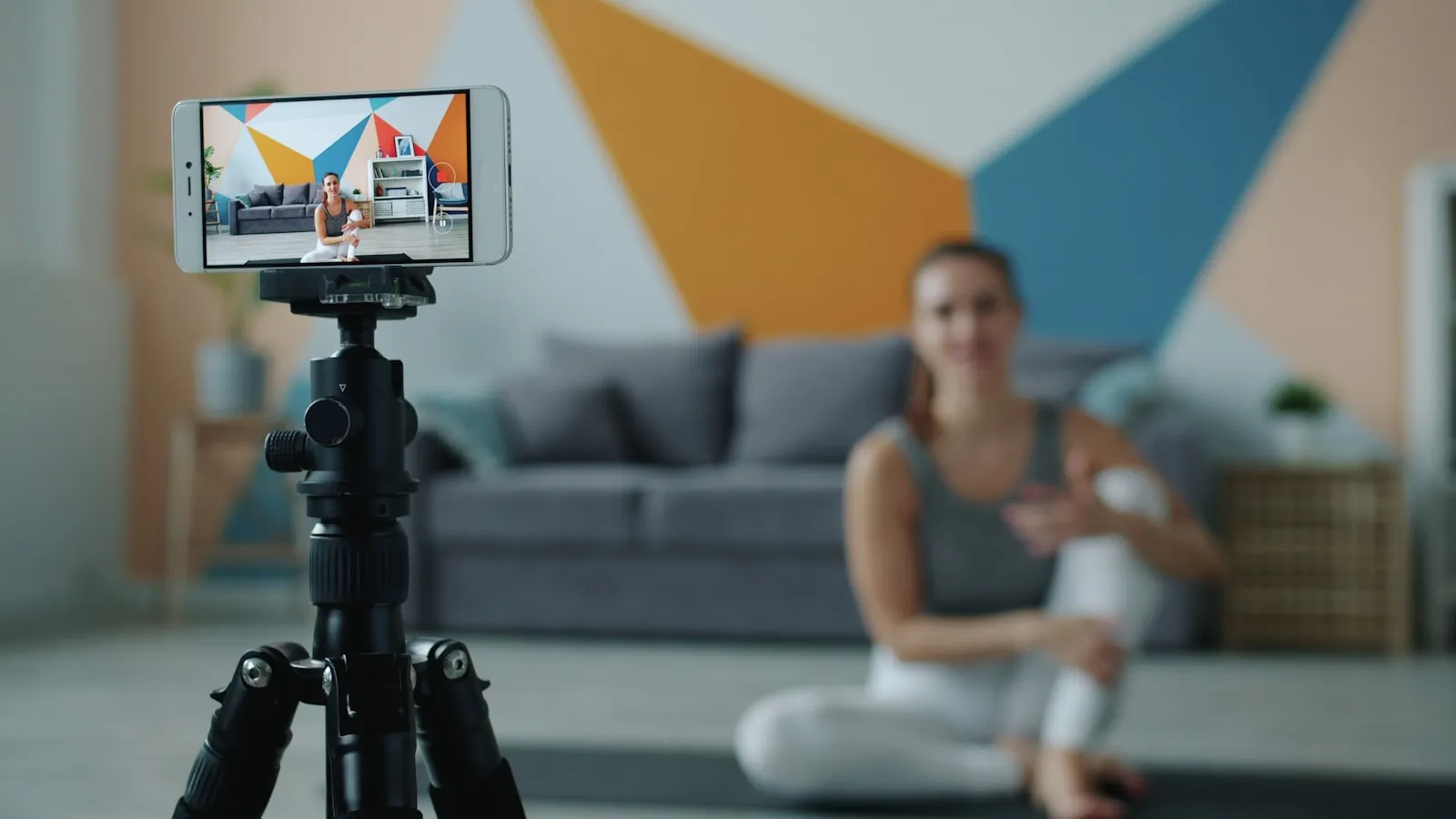
Reels, TikTok and YouTube Shorts are vertical-first feeds. A clip that fills the phone screen usually has a better chance than the same clip squeezed into a horizontal frame. The hard part is that a lot of footage still starts as 16:9: a camera clip, a screen recording, a webinar, a podcast cut or a product demo.
The goal is not just to make the file vertical. The goal is to keep the important part of the scene visible, keep captions out of the app controls, and avoid exporting the same clip so many times that it starts to look soft. A clean vertical edit usually comes down to four decisions: aspect ratio, framing, timing and export quality.
Use the right aspect ratio first
For Reels, TikTok and Shorts, the safest default is 9:16 at 1080x1920 pixels. Square 1:1 can still work in some feeds, but it will not fill the whole screen in a vertical viewer. Horizontal 16:9 is fine for YouTube, websites and presentations, but it usually looks small inside short-form apps.
| Format | Best use | Notes |
|---|---|---|
| 9:16 vertical | Reels, TikTok, YouTube Shorts | Use 1080x1920 when possible |
| 1:1 square | Instagram feed, simple previews | Works, but wastes space in vertical feeds |
| 4:5 portrait | Instagram feed posts | Good compromise for feed-first posts |
| 16:9 horizontal | YouTube, websites, webinars | Poor fit for vertical short-form feeds |
Choose crop or blur padding
If the subject is already near the center, cropping the sides is usually the cleanest option. Talking-head videos, simple product demos and centered screen recordings often survive a 16:9 to 9:16 crop without much drama.
Blur padding is better when the full width matters. Use it for sports clips, group scenes, wide tutorials, slides with important text near the edges, or anything where a crop would remove context. It is less elegant than a real vertical shot, but it is better than cutting off the reason the viewer is watching.
Avoid stretching. It changes faces, objects and UI shapes, and people notice immediately. A stretched clip feels broken even when the content is useful.
Keep the safe zone in mind
Short-form apps place buttons, captions, usernames and progress controls over the video. Do not put the main subject, subtitles or call-to-action text right at the top, bottom or right edge. Keep the important action near the middle third of the frame.
This matters most for screen recordings. A cursor near the edge, a small button in the corner or a menu label can disappear behind app UI. Before export, watch the clip once on a phone-sized preview, not just on a desktop monitor.
Trim before you export
Short videos need a fast start. Cut dead air, setup time and repeated takes before you worry about the final file size. If you need only one moment from a longer file, use the video cutter first, then prepare the vertical version from that shorter clip.
Trimming first also makes the rest of the workflow faster. A 12-second clip is easier to preview, easier to upload and less likely to be crushed by an extra compression pass.
Export once, then compress if needed
The most common quality mistake is exporting the same video again and again. Each lossy export throws away a little detail. Crop or reframe once, export at the final resolution, then only compress afterward if the file is still too large.
For most social clips, H.264 MP4 is still the practical default. Keep the original frame rate unless you have a reason to change it. For a 1080x1920 short, a bitrate around 8-12 Mbps is usually enough for clean phone footage; screen recordings can often use less. If the finished file is too heavy, run it through a video compressor instead of exporting from the editor again.
Quick workflow
- Cut the clip down to the part you actually need.
- Pick the target format: usually 9:16 for short-form feeds.
- Decide between crop and blur padding.
- Keep faces, captions and UI away from the edges.
- Export once at the final resolution.
- Compress the finished MP4 only if the upload is still too large.
If the platform expects a silent clip, remove background noise or music before posting. FastConvert also has a remove audio from video tool for that job. If you need a different output format, use the video converter after the edit is final.
Frequently Asked Questions
The cleanest vertical videos look intentional. They start quickly, keep the subject inside the safe area, and avoid the soft, damaged look that comes from repeated exports. If the clip was shot horizontally, that is fine. Just do the adaptation once, check it on a phone-sized preview, and only compress after the final version is ready.

